Description
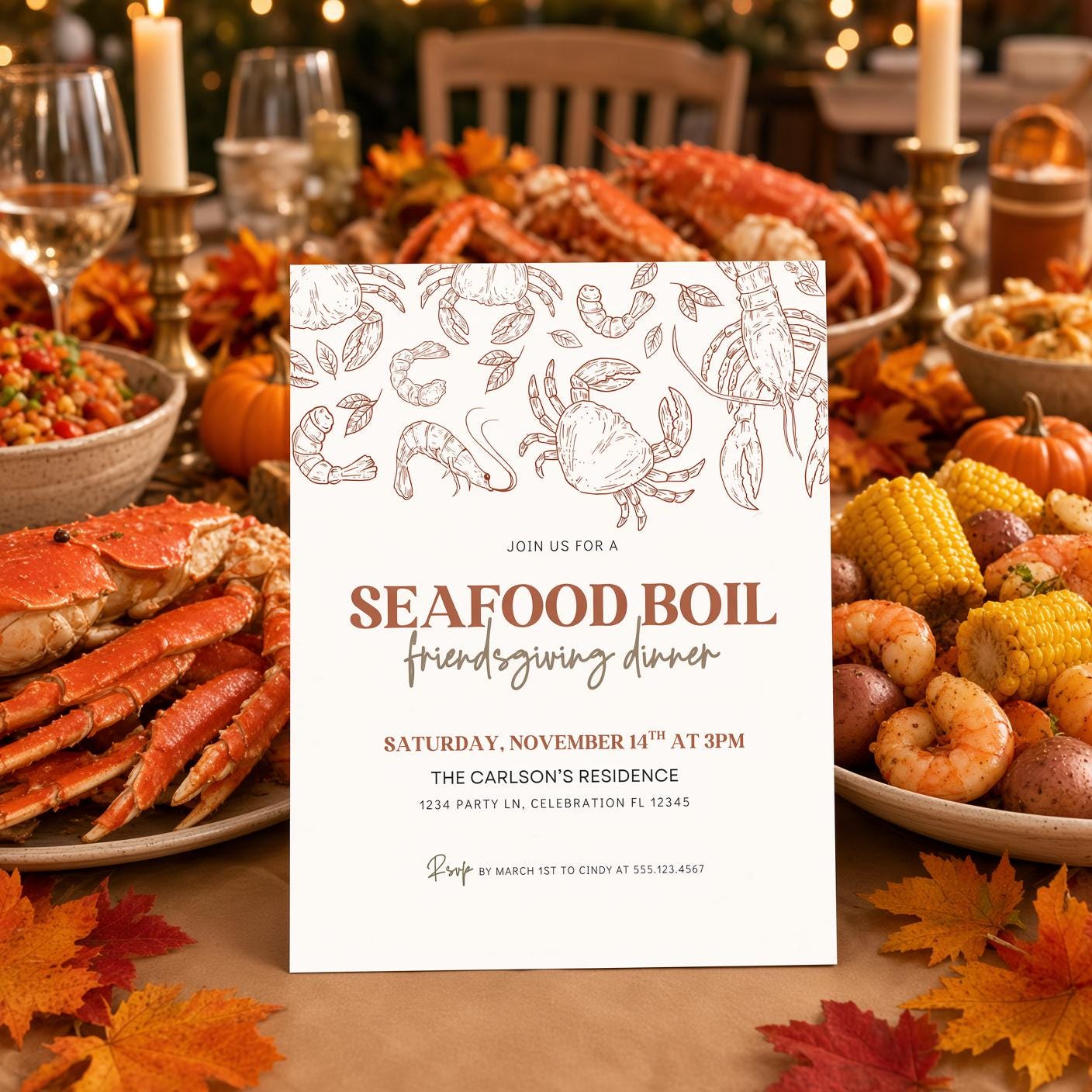
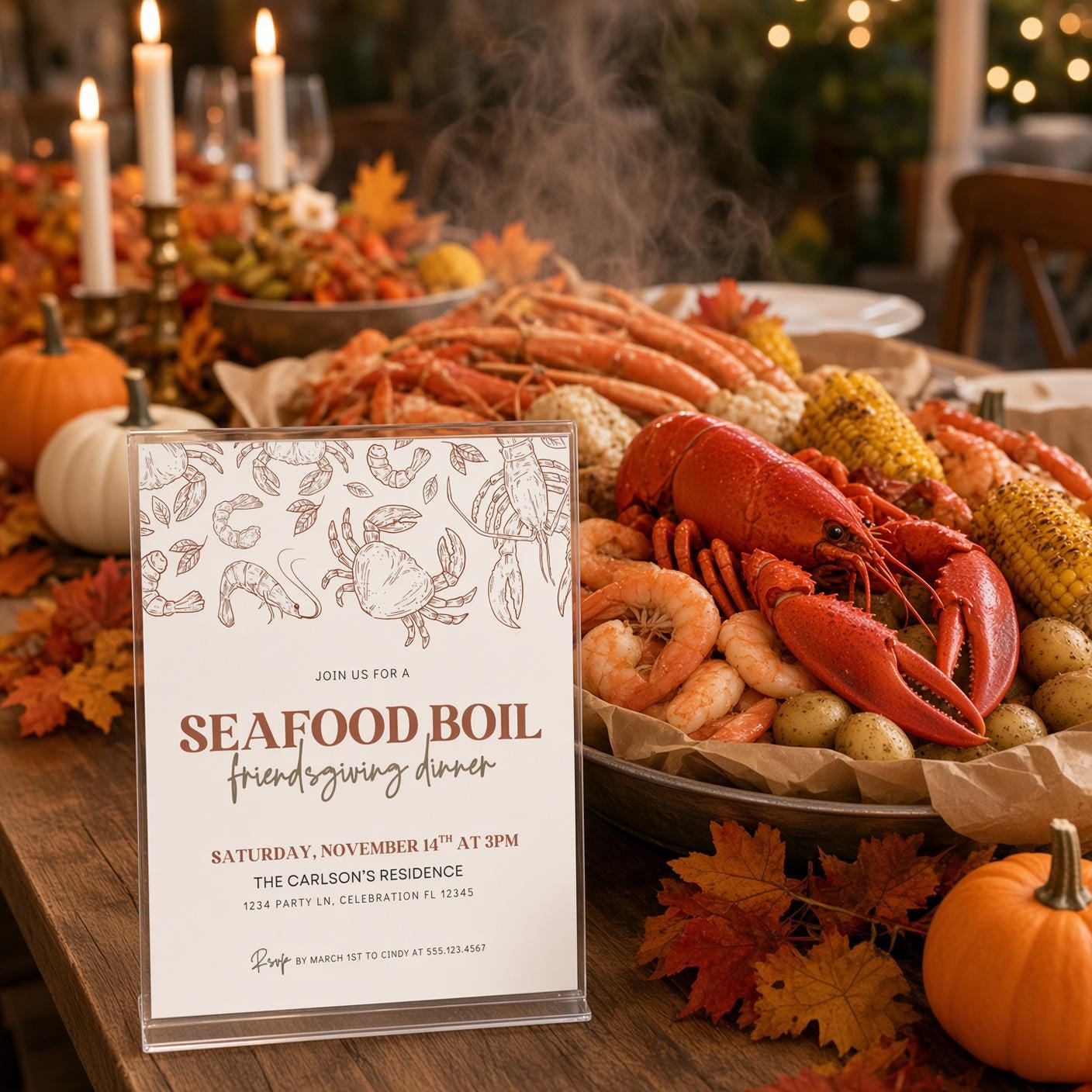
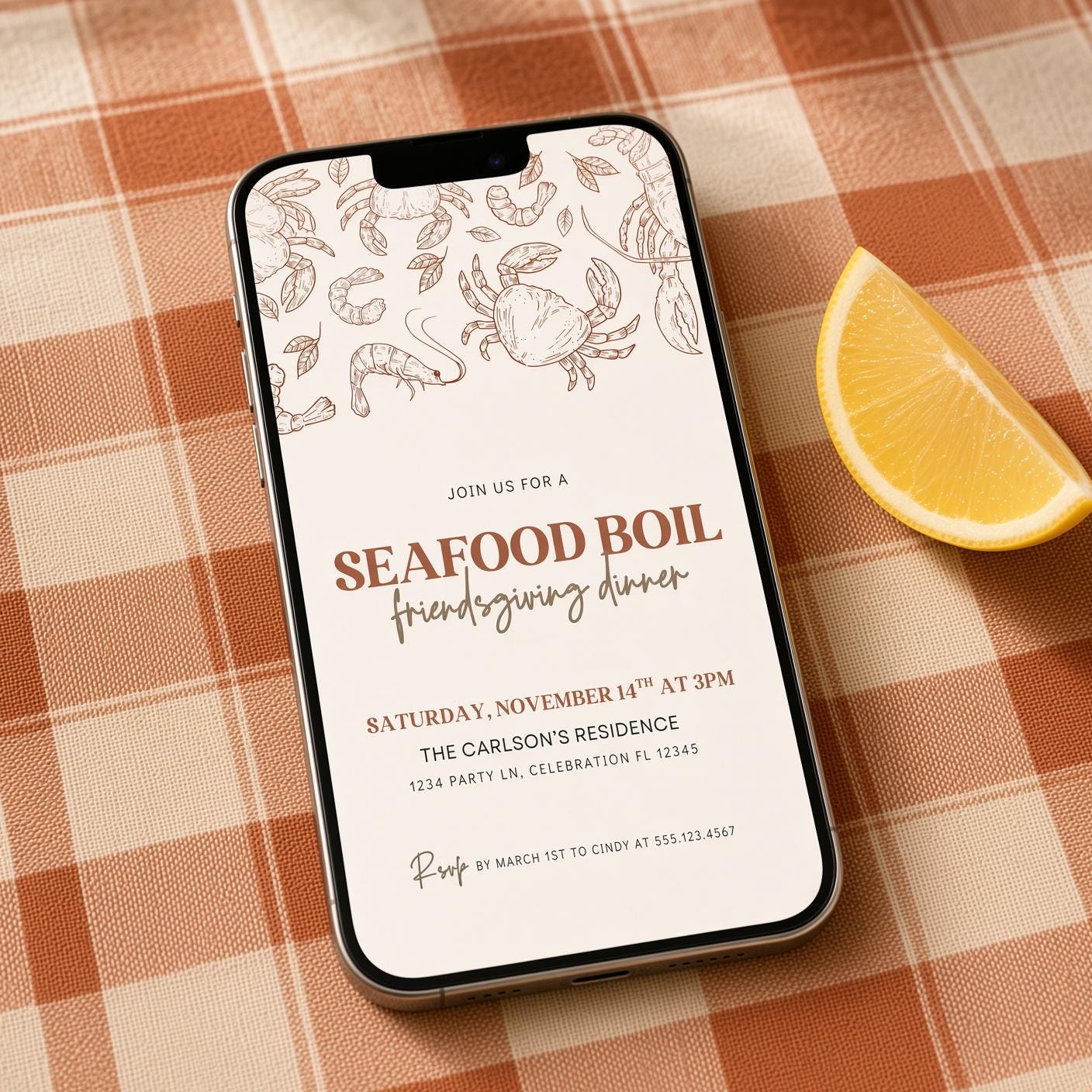
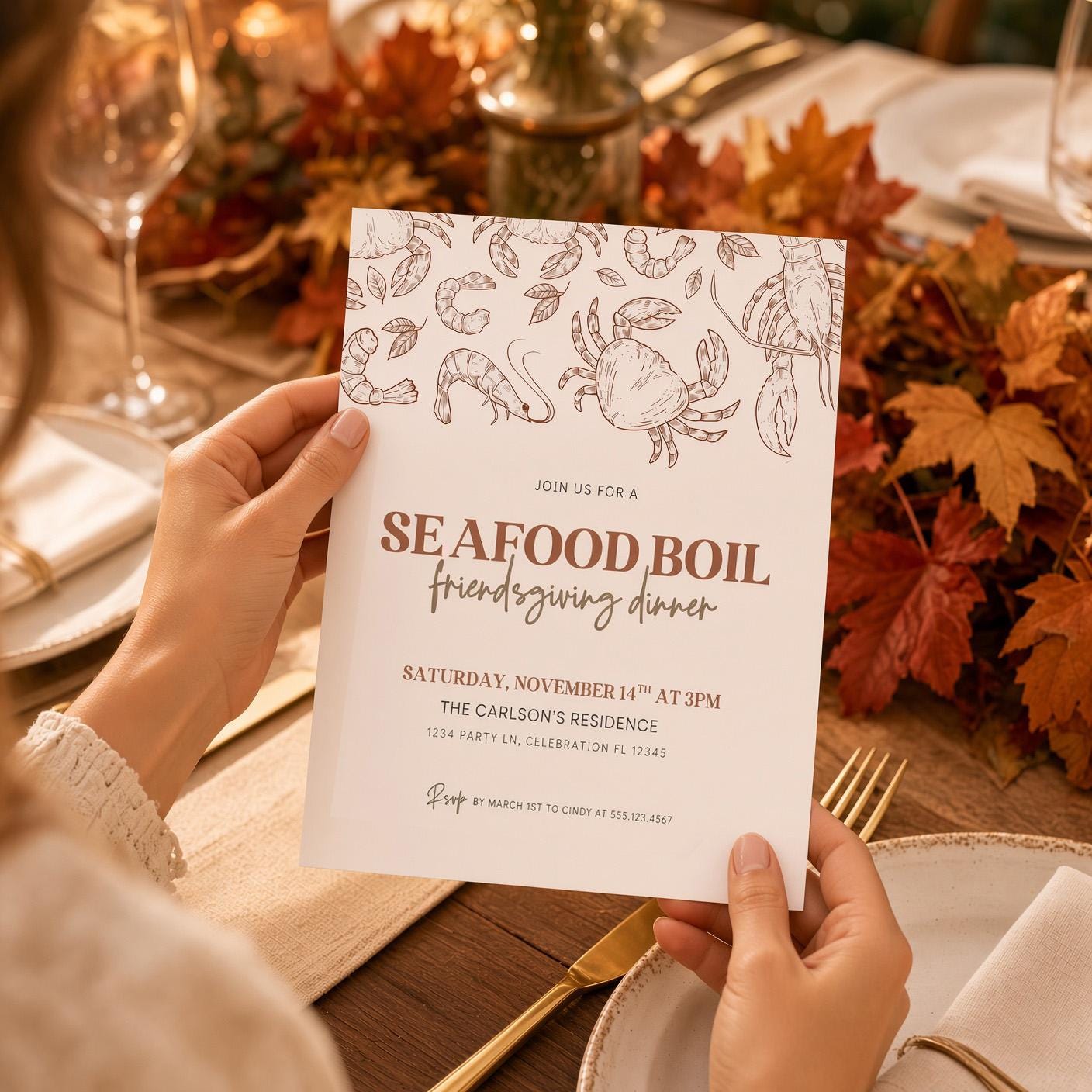
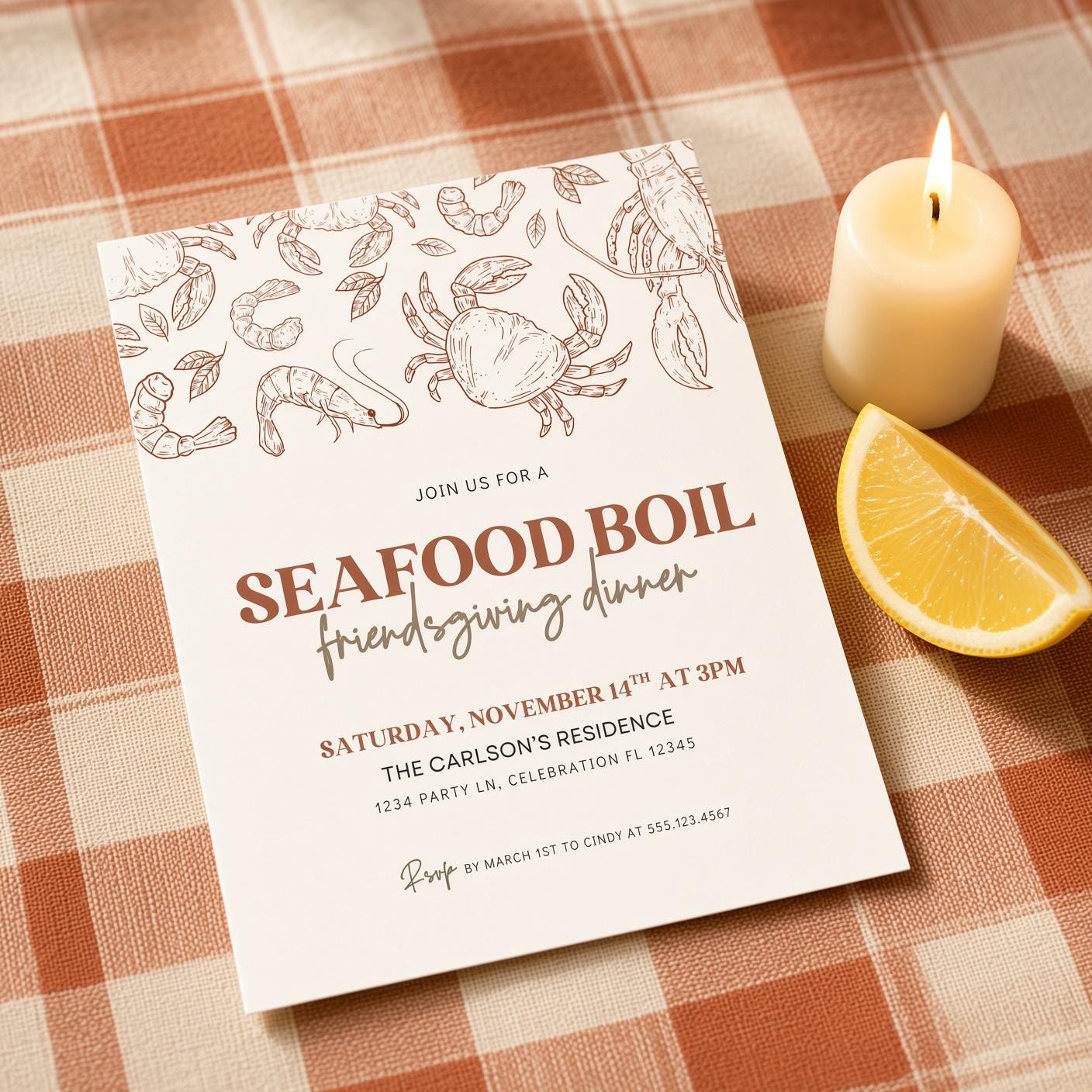
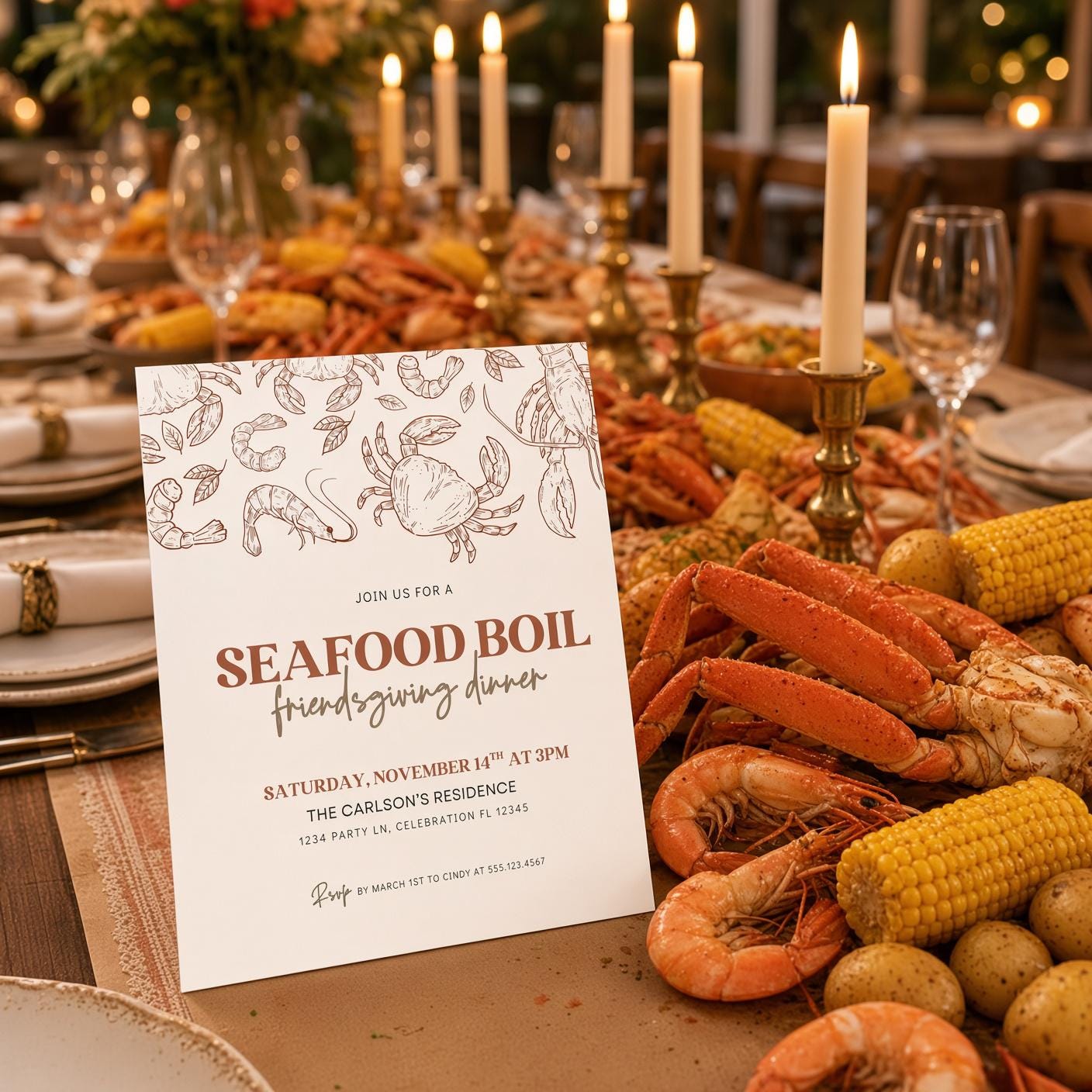
An elegant seafood boil invitation for a Friendsgiving dinner, with engraved-style crab, shrimp and lobster art. Join us for a seafood boil! This elegant, engraved-style invitation brings a refined dinner-party feel to your Friendsgiving celebration — fine botanical crab, shrimp, and lobster line art framing the top of a cream invitation.
What’s included
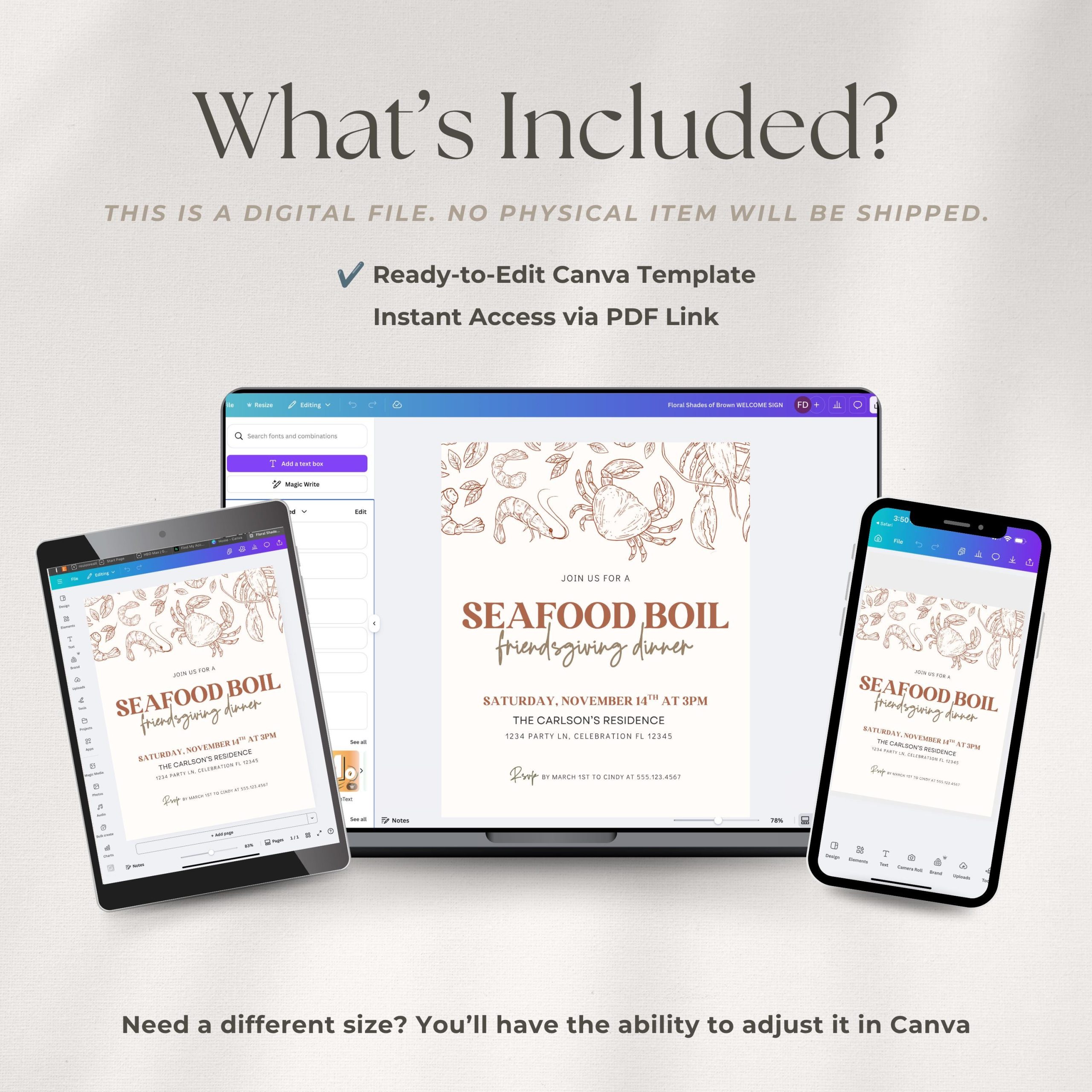
- An editable Canva invitation for a Seafood Boil Friendsgiving dinner — featuring vintage-engraving-style crab, shrimp, and lobster illustrations along the top border, bold serif “SEAFOOD BOIL” display type, and a flowing “friendsgiving dinner” script subhead on a cream background.
- Ready-to-edit Canva template — access via PDF link
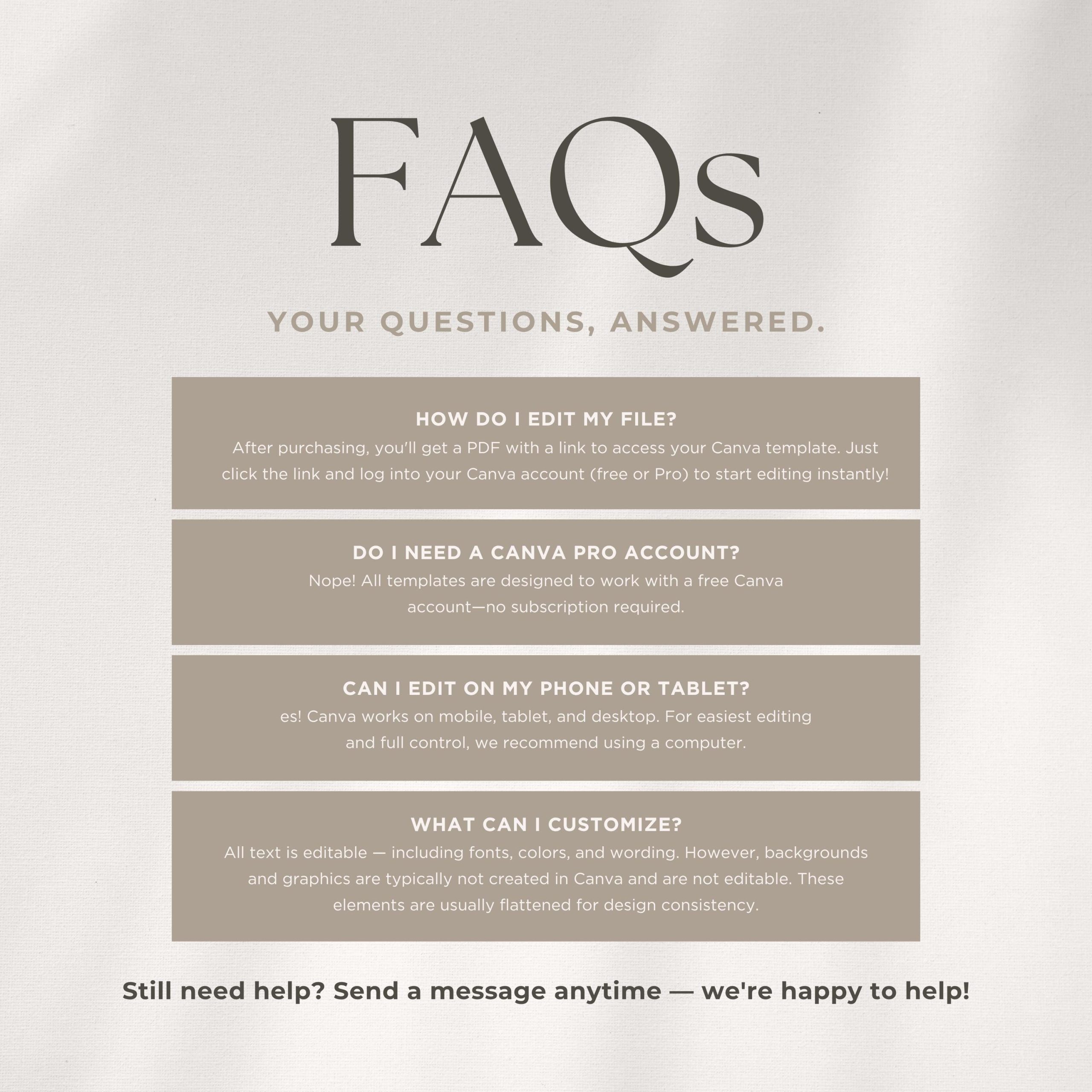
- Canva works on desktop, tablet, and phone — computer recommended for easiest editing
- Instant download. No physical item is shipped, and printing supplies are not included.
What you can customize (text only)
All text is editable — including the host name, party date, time, address, and RSVP details. However, backgrounds and graphic elements are not created in Canva and cannot be edited. These elements are flattened for design consistency. The design is complete as shown; you’re personalizing the details that make it yours.
Resizing requires Canva Pro.
How it works
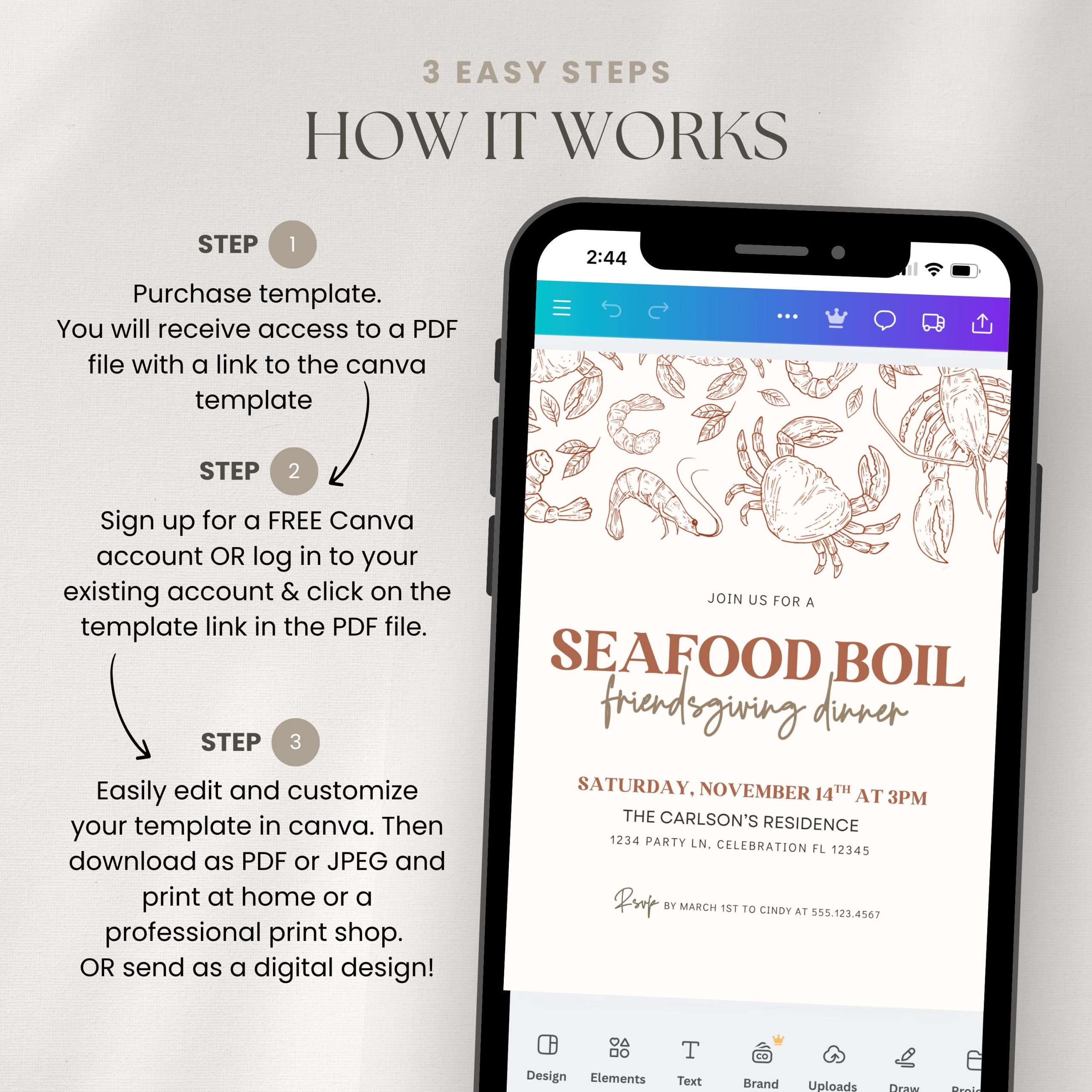
- Purchase this template.
- Get your order email with the PDF download.
- Open the Canva link in the PDF and edit your text for free in Canva.
- Download as PDF or JPG, then print at home, at a print shop, or send as a digital e-vite.
Perfect for
- Seafood boil Friendsgiving dinner parties
- Elevated, sit-down fall gatherings with friends
- Crab, shrimp, and lobster boil celebrations
- Anyone who wants a genuine dinner-party invite, not a casual flyer
Matching items: Browse the matching pieces at thefestivelife.com/shop
Have questions? Email info@thefestivelife.com — happy to help.
How to Edit Your Seafood Boil Invitation in Canva
Editing this seafood boil invitation is simple. Open the Canva link in your PDF download, sign in with a free Canva account, and click any text to type your own host name, date, time and location. When it looks right, download your file and print it at home or at a print shop, or send it digitally. Canva works on desktop, tablet and phone, though a computer is easiest for editing.
Seafood Boil Invitation FAQ
Do I need a paid Canva account? No. You can edit this invitation with a free Canva account.
What do I receive? After checkout you get an instant PDF download that contains the template link. Open the link in Canva, personalize the text, then save your copy.
How do I print it? Print at home or take the file to a print shop. This is a digital item, so nothing physical is shipped.
Can I get a refund? Because this is a digital download, refunds are not available, but I will always fix any issue you run into. Just email info@thefestivelife.com and I will make it right.
Ideas for Using Your Seafood Boil Invitation
This elegant seafood boil invitation is a stylish way to invite family and friends to a Friendsgiving dinner with crab, shrimp and all the fixings. Change the wording to match your own menu, your own traditions and the way you celebrate the season.
Every order includes the same editable design, so you can tailor the names, date and details in a few minutes, print it, or send it as a digital invite the same day you purchase it.
You can also save your edited design and reuse it next year with new details. Print on regular paper for everyday fun, or choose a heavier cardstock for a keepsake. Browse more printables at thefestivelife.com/shop.
📸 A NOTE ON PHOTOS: Listing images are mockups, and some are created with AI to show how your printables might look styled at a party. Your files will match the design shown, but small details like scenery, props or color may look a little different on your screen and in print.

Reviews
There are no reviews yet